
Searching Pine County Criminal Dockets
Minnesota Court Records Online, or MCRO, is the public entry point. Every Pine County criminal docket runs through it. Accept the terms first. Pick the Criminal category if it helps, then choose Pine under specific county locations. A name, attorney, case number, or citation number can all start the search. Results lead to Case Details. There the Register of Actions gives the dated event history. Remember that a listed charge is only an allegation. The disposition and any dated order tell you far more than a result category ever will.
Search with the exact details from a court notice whenever you can. MCRO supports exact and Sounds Like name searching, a trailing wildcard after at least two characters, filing-date ranges, and Active, All, or Inactive status choices. One catch deserves mention. A pending Pine County criminal docket may not surface in a defendant-name search until conviction. Turn to the case number, the citation number, attorney mode, or Court Administration in that situation.
- Open MCRO Case Search and accept the public-access terms.
- Select Criminal if a category filter is useful, then choose Pine as the county location.
- Search by the exact case number, citation number, party name, or attorney information available.
- Open the matching Case Details result and read the Register of Actions, charges, hearings, and dispositions together.
- Use the courthouse terminal or Court Administration for a public record that is not available remotely.
Pine County Criminal Docket Case Numbers
Pine County follows the statewide case-number pattern. It starts with county code 58. Then come case-type letters, the filing year, and a sequence number. A criminal case often looks like 58-CR-26-00001. Use the number printed on the actual notice instead of rebuilding one from a name. The letters CR mark a criminal case type, nothing more. They say nothing about whether a charge was proved, dismissed, or resolved some other way. That answer lives in the dated Register entries and the disposition.
A citation can point you toward a court case. It is not always the court case number. The Judicial Branch’s statewide citation reference reflects the standardized citation system that feeds court processing. MCRO offers a Citation Number mode, and the official guidance says the preprinted number usually runs 12 digits. The filing comes first. Once it happens, MNCIS creates the court case number. Keep both numbers handy. A citation may be the only paper you hold.
The Minnesota citation standards govern this Pine County criminal docket material.
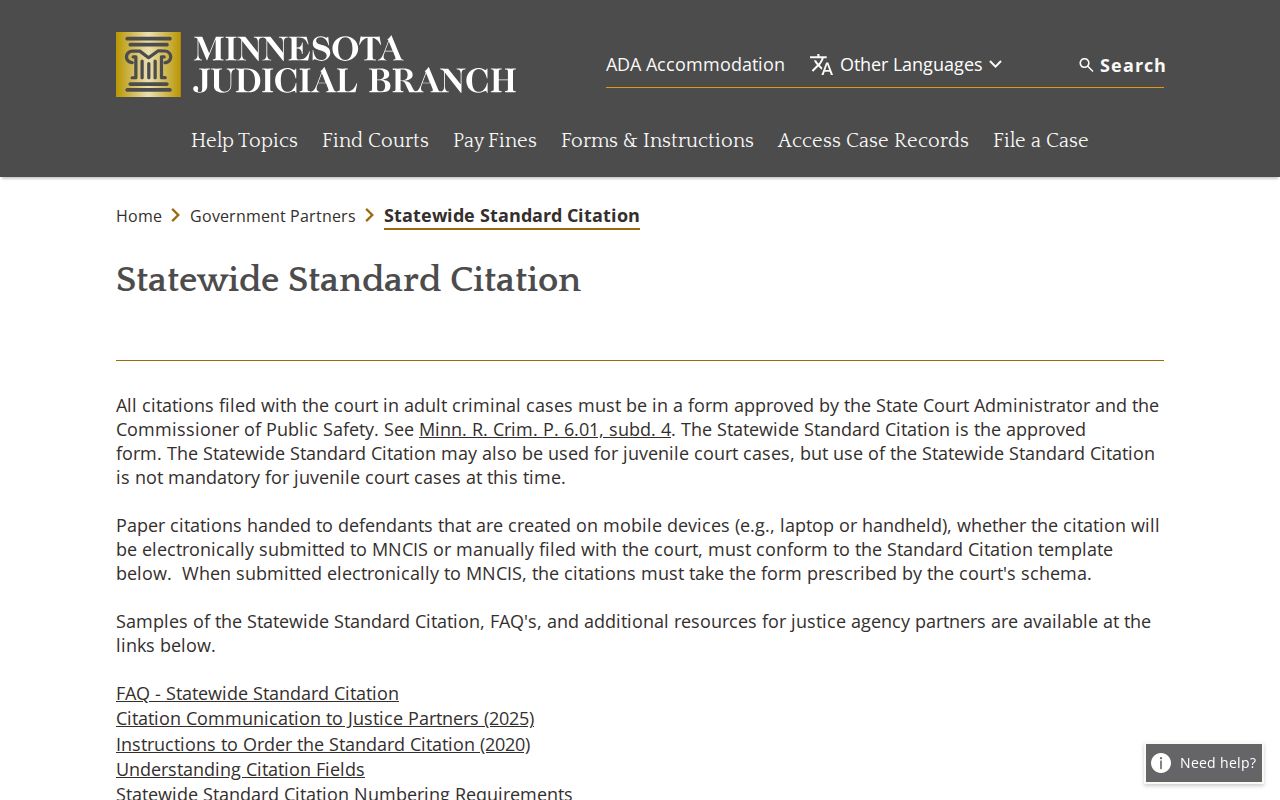
The citation format shows how a printed number becomes a useful first search key, while the Register carries the court history once the case is filed.
Note: Before treating two matching names as the same Pine County criminal docket search result, compare the county, case number, party information, and dates.
Inside a Pine County Criminal Docket
The Pine County criminal docket you see is MCRO’s Case Details and Register of Actions view. It pairs case information with event history. Separate sections can cover charges, warrants, interim conditions, case assignment, hearings, bond or bail activity, financial information, disposition, and judgment details. What shows up depends on the case phase and the security setting. Events run in reverse chronological order. Check their dates before you draw any sequence.
A document index number may sit beside an event. That number does not promise a downloadable image. MCRO allows remote documents only when the case type and document security permit access. Even so, the event helps you name the exact pleading, order, or notice to request from Pine County Court Administration.
| Case number | Statewide identifier, such as 58-CR-YY-sequence, with Pine’s county code and a criminal case-type code. |
|---|---|
| Charges | Alleged offenses and classifications, when publicly accessible; read with the disposition rather than as an outcome. |
| Case events | Dated filing, notice, motion, order, hearing, and other procedural entries, often with an index number. |
| Hearings | Date, time, location or connection type, judicial officer, hearing label, and status when available. |
| Disposition | The recorded resolution and date, with judgment or financial details where the public record permits them. |
Pine County Criminal Docket Hearing Labels
Pine’s public daily calendar uses familiar criminal labels. They include Arraignment, Initial Appearance – Rule 8, Pre-trial, Omnibus Hearing, Plea Hearing, Sentencing, Contested Revocation Hearing, Probation Violation Hearing, Review Hearing, Hearing, and Court Trial. A label only describes the immediate purpose of a setting. It is not a final account of the case. For the required appearance and connection instructions, the case notice controls.
- Arraignment
- An early criminal proceeding addressing the charge, rights, plea, or conditions.
- Omnibus hearing
- A criminal pretrial hearing that addresses specified issues before trial.
- Plea hearing
- A proceeding at which a formal response to a criminal charge may be entered or considered.
- Disposition
- The recorded outcome or resolution of a charge or case.
Read each hearing label alongside the current Register entry, the date, and the notice. A “Hearing Held” event describes something that already happened. A scheduled hearing is a different animal. A later continuance or new notice can replace it. Anyone checking a Pine County criminal docket setting should save the latest date, time, courtroom or connection type, and case number.
How a Criminal Case Moves
The Register of Actions presents a Pine criminal case as dated court events. It is not a fixed path with one result. An early filing or charging entry may give way to an initial appearance or arraignment. Pretrial and omnibus activity, motions, a plea or trial, disposition, sentencing, and later public financial or probation-related events may follow. Not every case hits every label. Settings also change. For what the court actually decided, the dated order and disposition remain the best source.
Docket flow: Filing → Arraignment → Pretrial → Plea or Trial → Disposition → Sentencing
A continuance or reset moves the schedule, not the merits. The Pine daily calendar works well as a date check. But it is only a daily snapshot, posted at 7:00 a.m. on business days and updated hourly. It is not a complete list of every matter. Match its case number and time against the Register and the notice. Confirm before you rely on a criminal court date.
Pine County Criminal Docket Date Checks
Need a date for an upcoming Pine County criminal setting? Check more than one official channel. Start with the written notice. Or use the latest Register entry for the case. Then run a search in MCRO Hearing Search by case number, party, judicial officer, or attorney. Narrow the location to Pine. The searchable Pine daily calendar PDF works as a second check. Each row can list party name, hearing location, date, time, judicial officer, hearing type, connection type, and case number.
When channels disagree, trust the later notice or Register event as your working lead. On an active court day, the Pine court itself identifies the courtroom lobby and room screens as the most current source. Pine County Court Administration answers process and record questions. It cannot give legal advice. A docket entry may show Zoom or another connection type, but remote appearance still depends on the court's notice and any arrangement a judge approves.
Note: A setting missing from the Pine calendar proves nothing by itself. That alone does not mean the Pine County criminal docket setting was cancelled, reset, dismissed, or completed.
Courts That Hold Criminal Dockets
Pine County District Court handles every criminal case filed in the county. The official court directory lists no separately numbered Pine criminal court, no separate criminal clerk, and no separate lower criminal docket. Court Administration maintains the District Court records. MCRO adds the statewide public search layer on top. A case that began as a Pine City, Sandstone, Hinckley, Rock Creek, or Sturgeon Lake matter joins this same District Court system once it enters court.
The District Court also handles civil, family, probate, juvenile, traffic, and conciliation matters, so case type and record number matter when you search. An appeal is not a new Pine trial docket. Appeals generally move to the Minnesota Court of Appeals. Further review is available in the Minnesota Supreme Court. The Pine Register may note a notice of appeal, but the appellate record sits apart.
Pine County Criminal Docket Documents
A public event on a Pine County criminal docket can name an underlying document. The document itself may not be online. To request a specific public record, Pine Court Administration asks for the case and the document. It also wants enough contact information to reach you. The Tenth Judicial District's records and transcript instructions cover counter, mail, terminal, and copy options. For a mail request, local instructions say to allow five days.
The public terminal at the courthouse can show more public records than remote MCRO does. Plain copies are generally free. Under the official copy-request materials, a certified copy costs $14. A certified and exemplified copy is $28. The Minnesota eFile and eServe entry point is for filing context. It is not for ordinary docket reading.
The Minnesota eFile and eServe page supplies this Pine County criminal docket filing-resource image.
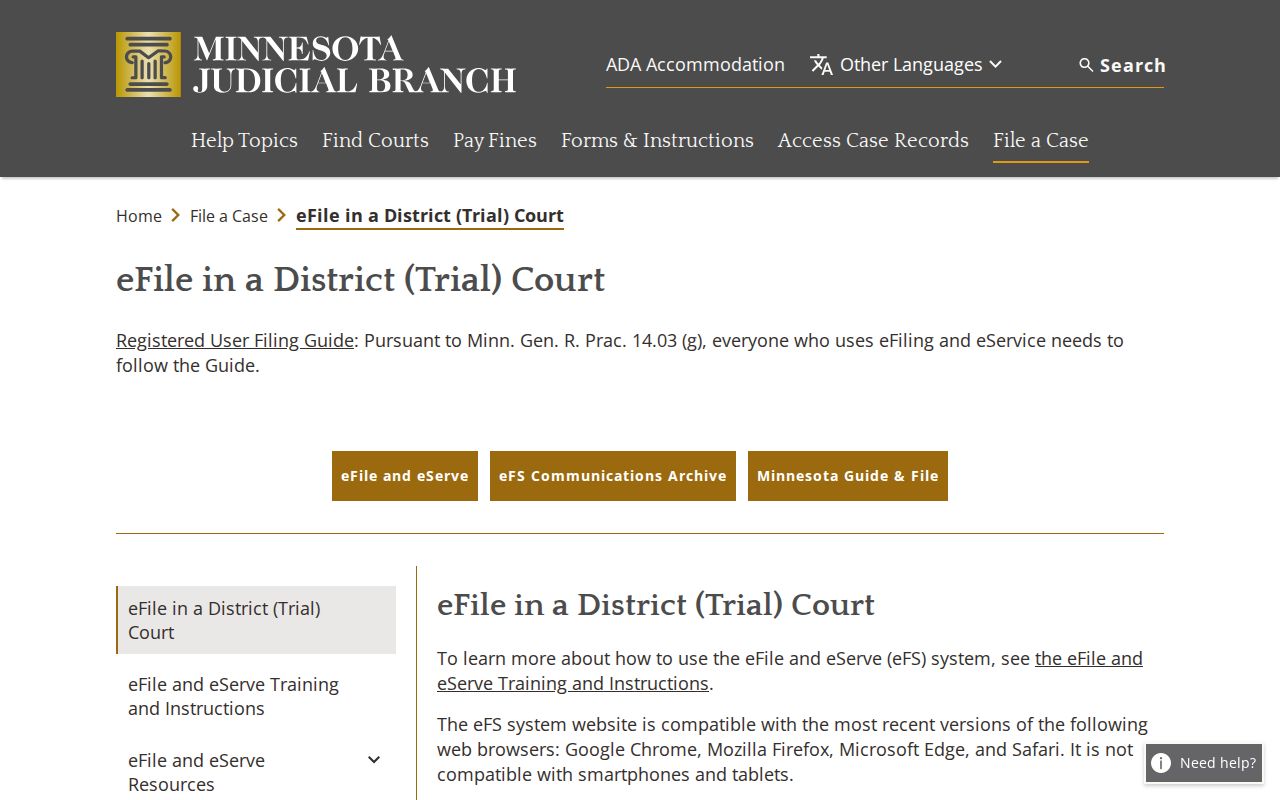
The two systems have separate jobs. eFS accepts authorized filings, while MCRO serves as the public search and permitted-document layer for the court record.
The Minnesota eFile and eServe resources page supplies this Pine County criminal docket filing image.
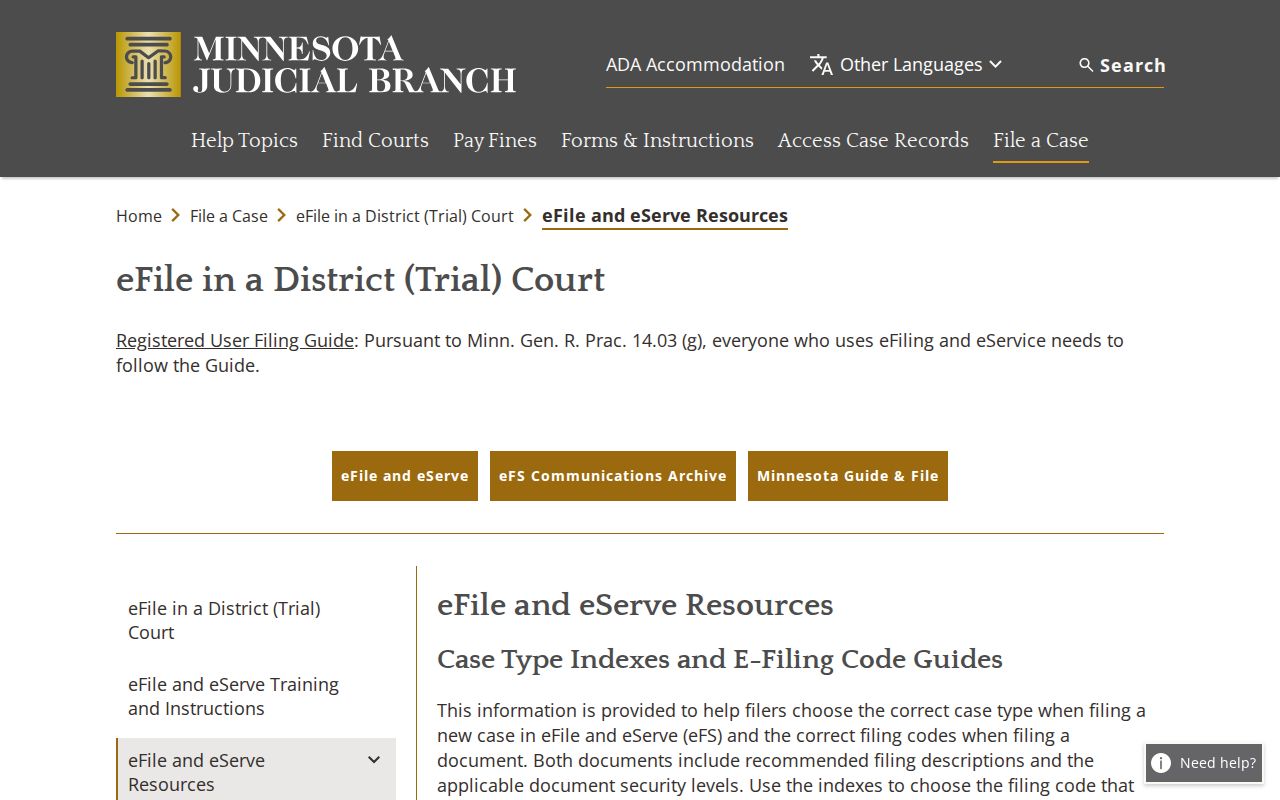
That split matters. A document's filing path is one thing; public access to the finished court record is another, and mixing them up leads people astray.
Sealed Dockets and Public Access
Minnesota court-record access follows the Judicial Branch Rules of Public Access, not the usual county-government Data Practices process. Minnesota Statutes §13.90 points court-record access to the court rules themselves. Rule 8 generally allows inspection or copying of accessible original records where they are kept. Remote access stays more limited. Rule 7 lets you make an oral or written request. That request must reasonably identify the record. You never have to state a purpose.
Key Rules:
Minn. Stat. § 13.90 directs judicial records away from the general Data Practices framework and to the court’s access rules.
Rule 7 sets the procedure for a records request, including explanation when access is delayed or denied.
Rule 4 identifies nonpublic case-record categories, while Rule 8 distinguishes courthouse inspection from remote access.
A record missing online is not a case that does not exist. MCRO may not carry D-16 and many juvenile records, search warrants, sealed material, protected identifiers, and other restricted records. A visible warrant flag can belong to a different case. So compare the case number against the current Register. When an item is restricted, ask Court Administration about the access procedure. Do not guess from a missing image or a partial result.
Pine County Criminal Docket Remote Limits
The remote public view is useful. But it is deliberately narrower than the courthouse record. The official MCRO access materials spell out limits. Certain juvenile, D-16, CHIPS, domestic-abuse or harassment, search-warrant, exhibit, sealed, and protected records are restricted. A court event can stay visible even when its document image is restricted. Trial and hearing exhibits are not remotely accessible under Rule 8. That holds even where the proceeding itself is public.
At the counter or by mail, bring the case number. Bring a precise description of the document too. Some confidential or sealed material needs a separate request and may require judicial permission. Never seek, repeat, or store protected data. That covers addresses, dates of birth, Social Security numbers, medical material, victim locations, or juvenile identity information. Pine County criminal docket access is about finding public court proceedings and records inside the access rules.
The Minnesota Rule 4 text supplies this Pine County criminal docket access-restrictions image.
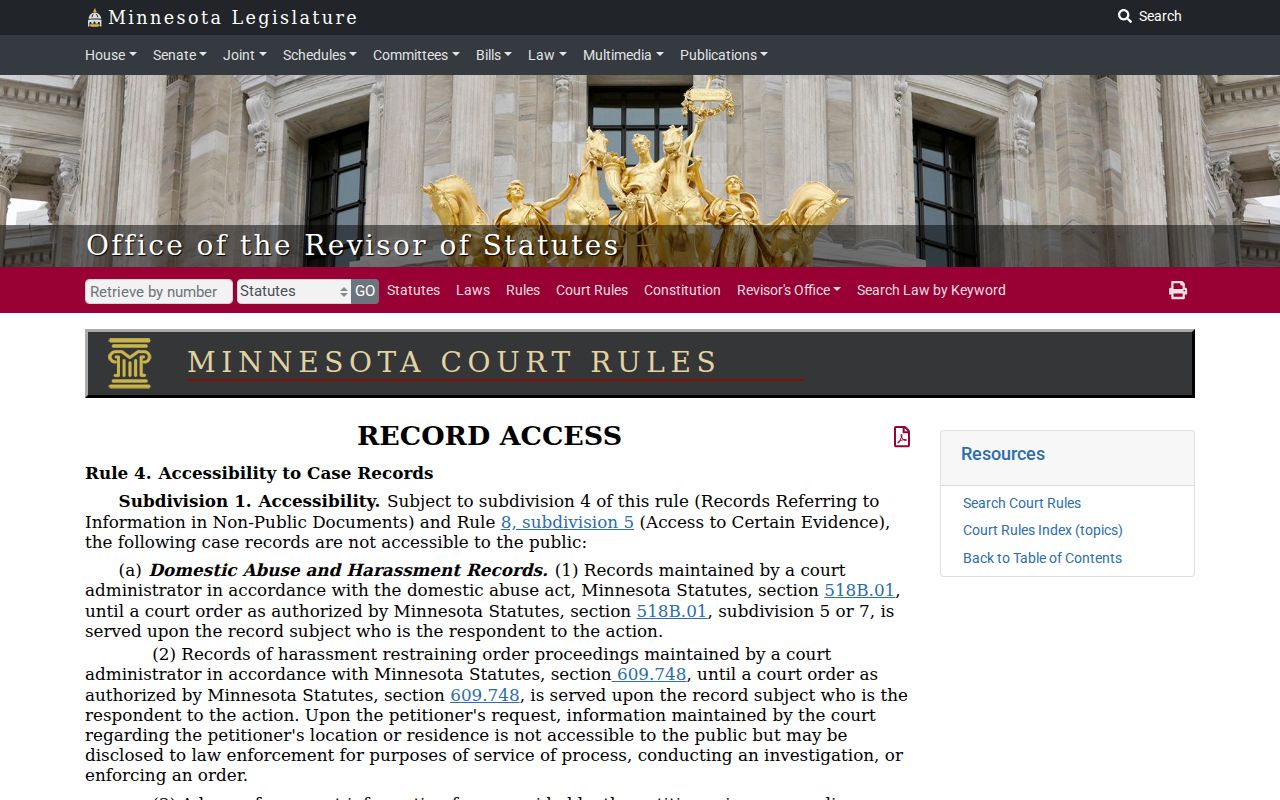
The Rule 4 material helps explain why the court's public Register, its document images, and the courthouse terminal view can each legitimately differ.
Note: An expungement is a separate access status, not an ordinary dismissal entry on the docket.