
Searching Pine County Civil Dockets
Minnesota Court Records Online, or MCRO is the primary online path for a Pine County civil docket. Accept the terms first. Pick Civil when the category filter helps. Then choose Pine under specific county court locations. You can start with a plaintiff or defendant name, an attorney, a case number, or a reasonable filing-date range. A matching result opens Case Details. The Register of Actions there records the public event history.
Exact names and a court file number are the most dependable inputs. MCRO also offers exact-name behavior. It adds Sounds Like searching, a trailing wildcard after at least two characters, date ranges, and Active, All, or Inactive status choices. Select the right category rather than assuming every civil matter carries the same remote documents. The case Register also supplies the event date and index number you will need. Those matter if a later copy request targets a specific pleading, order, or judgment.
- Open MCRO Case Search and accept the public-access terms.
- Choose Pine under specific county locations and select Civil when that filter fits the matter.
- Enter the exact case number or a party, attorney, or filing-date search with only necessary filters.
- Open the matching Case Details result and compare the parties, status, events, hearing entries, and disposition.
- Use Document Search, the courthouse terminal, or Court Administration when the Register identifies a public record that is not remotely visible.
Pine County Civil Docket Search Filters
MCRO's Pine location filter keeps a Pine District Court register separate from statewide noise. Search modes include Name, Case Number, Citation Number, and Attorney. The Civil category works as a checkbox. The filing date can be exact or a range in month/day/year form. An exact party search is usually cleanest. Try Sounds Like for a name variant. Or use a trailing wildcard only when you know the first two characters.
| MCRO field | Use for a Pine civil search | Important limit |
|---|---|---|
| Case Number | Direct lookup when the court file number is known. | Enter the number from the notice or record exactly. |
| Name | Party or business-name path with exact or Sounds Like behavior. | Compare parties, location, and dates before selecting a result. |
| Date Filed | Exact date or range to narrow a broad result set. | Overly narrow dates can hide a case. |
| Court Locations | Select Pine instead of leaving a statewide search. | Statewide searching can still help when a location is uncertain. |
No public login is needed for this ordinary MCRO search path. Treat what you see as an unofficial public view, not a certified court record. Results are a starting point for the Register and a precise record request, never a substitute for the original court file.
Inside a Pine County Civil Docket
A Pine County civil docket is the Case Details and Register of Actions view for a District Court case. Its public sections can include Overview, Case Information, Party Information, Case Assignment, Case Events, Hearings, Dispositions, Financial Information, and Judgment Details. Party roles commonly show Plaintiff or Petitioner and Defendant or Respondent, with attorneys where public. Event rows can track a complaint or petition, response, motion, order, notice, hearing, judgment, satisfaction, appeal, or reopening.
Do not guess the winner from a caption. The dated disposition, judgment, and filed order tell that story. An event with an index number can also appear without a remote document image, since security settings, family-document limits, exhibits, or document date coverage can restrict the image even when the event itself is shown.
| Case number | The statewide identifier, often following the Pine format 58-CV-YY-sequence. |
|---|---|
| Parties | Publicly visible plaintiff or petitioner, defendant or respondent, and attorney roles. |
| Case events | Dated filings, notices, responses, motions, orders, and other Register entries, sometimes with a document index. |
| Hearings | Scheduled date, time, location or connection type, judicial officer, hearing type, and status when available. |
| Judgment details | Public disposition, judgment, satisfaction, and monetary information when that material is available. |
Pine County Civil Docket Case Numbers
A Pine County civil docket number starts with county code 58. Letters come next to mark the case type. After that come the filing year and a sequence number. A civil filing looks like 58-CV-26-00001. A Conciliation Court case can carry the format 58-CO-26-00001. Treat these as illustrations of the pattern. The exact number for any case comes from the court notice, the Register, or a copy request.
The case number matters most for MCRO Document Search, which accepts nothing else as input. The official Document Search interface lists public documents that can be reached from afar, yet it has no name filter at all. A restricted, sealed, exhibit, family, or otherwise limited document may appear in results. Its appearance does not loosen the access rules.
For a closer look at how the tool works with a Pine County civil docket, open MCRO Document Search, the official page where each public filing can be pulled up by its case number.
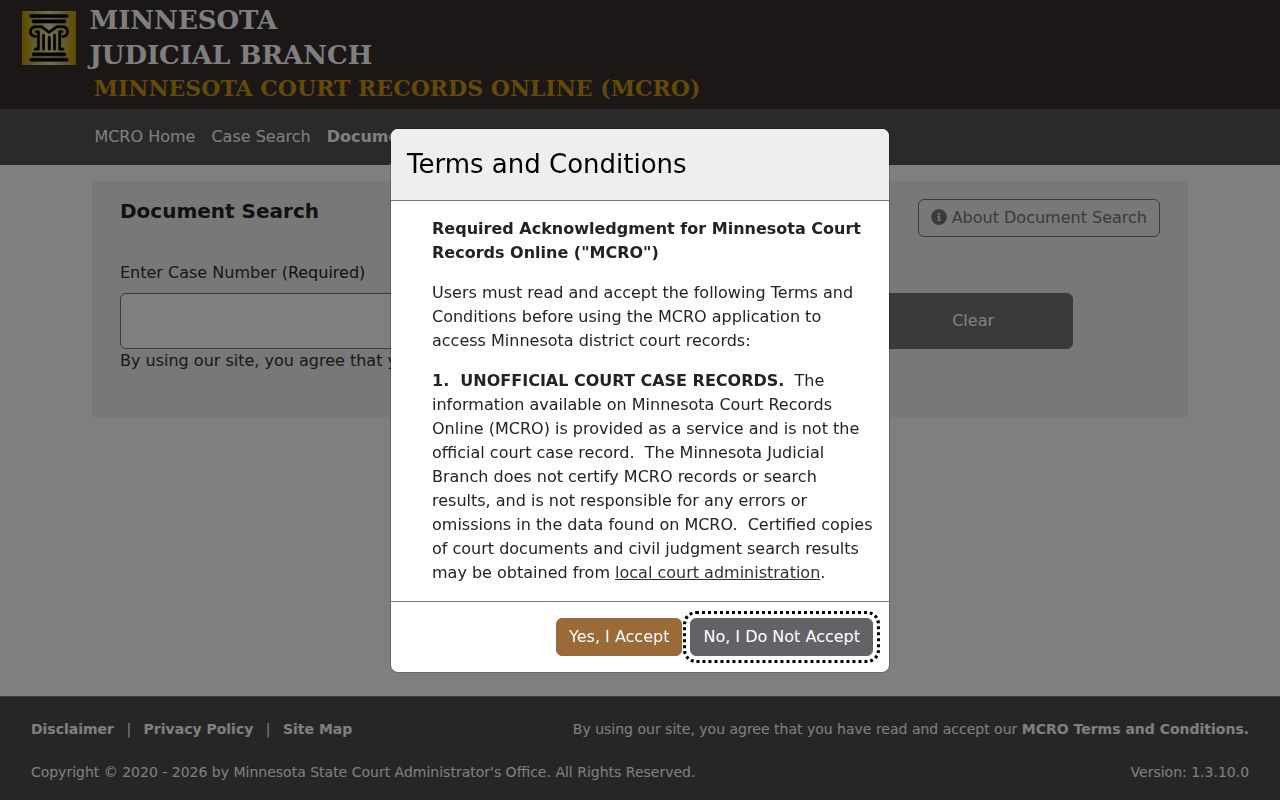
That case-number-only design makes a complete Pine civil docket file number very useful when you hunt for an available document after reviewing the Register.
Note: A Pine County civil docket case-type code identifies the filing category, not a judgment, finding, or result.
Civil Case Types on the Docket
Pine County District Court is a unified trial court. Its public civil register path can include major and minor civil filings. Conciliation Court matters, family-adjacent filings, probate-related matters, and other categories are available through MCRO. The category filter helps organize a docket search. But it does not decide what is remotely public. Access turns on the type of record, document security, and the Minnesota public-access rules.
- Major and minor civil matters filed in Pine County District Court.
- Conciliation Court matters handled as a District Court division.
- Publicly accessible family-related entries, subject to tighter document limits.
- Probate or mental-health categories when the public search interface identifies them.
- Monetary judgment entries separately searchable through MCRO Judgment Search.
Records held by a Pine City, Sandstone, Hinckley, Rock Creek, or Sturgeon Lake government office are not automatically court registers. Those cities run no separate current small-claims portal. Once a matter is filed in the court system, the Pine County District Court and MCRO route applies.
Pine County Civil Docket Conciliation Cases
Conciliation Court is a division of the Pine County District Court. It is not a court of its own. The small-claims docket lives inside the same access chain as any other Pine civil case. Statewide Judicial Branch guidance sets the claim ceiling at $20,000. One specified claim group carries a lower statutory cap. Cases here can carry the CO type code. So the paths a reader uses are familiar ones. The list includes the Court Administration counter, the courthouse terminal, the MCRO Register, and the records-request process.
Appeals work differently. When a Conciliation case is appealed or removed, it moves into District Court. It effectively starts over. Track the new case number rather than waiting for events under the old file. The official Conciliation Court information covers the statewide process and threshold. The Pine register still shows local filing activity and any later events.
Civil Docket Settings and Hearings
A civil setting in Pine County can surface in three places. Check MCRO Case Details, MCRO Hearing Search, and the Pine daily calendar. Hearing Search lets you look by case number, party, judicial officer, or attorney. It offers exact or range date controls and a Pine location filter. The daily PDF is different. It is searchable text, not a filtering database. It lists fields like hearing location, date, time, judicial officer, hearing type, connection type, and case number.
The PDF posts at 7:00 a.m. on business days. It updates hourly. Even so, it is incomplete by design. A setting may be missing because it is confidential or not remotely accessible. Posted settings can change too. Stack your sources: the notice, the latest Register event, Hearing Search, and the PDF. On the day of a hearing, the Pine court treats lobby and room screens as the most current source.
Words like continuance, reset, rescheduled, or missing-calendar tell you nothing about the merits of a Pine civil docket. Note the date, time, location or connection type, judicial officer, hearing label, and case number. Then let the later dated notice or Register entry lead. Call Court Administration if anything stays unclear.
Pine County Civil Docket Judgment Search
Judgment Search works differently from the case Register. It is a public index of monetary judgments docketed with Court Administration. It is not a full civil docket search. The official interface searches by a judgment-debtor name type. Optional tools include Sounds Like behavior, party-name fields, and docketed-date controls. You can filter judgment status as Active, All, or Inactive. Location can narrow statewide or by county. Choosing Pine keeps the index local.
Read any result alongside the civil Register and the public judgment details. The index does not replace the filings, hearing history, orders, or satisfaction entries sitting in the case file. Nor does a civil caption or category tell you what actually happened. When a document is not remotely available, name the case. Also name the specific item in a request to Pine Court Administration.
MCRO Judgment Search is the official page this Pine County civil docket judgment-search section draws on.
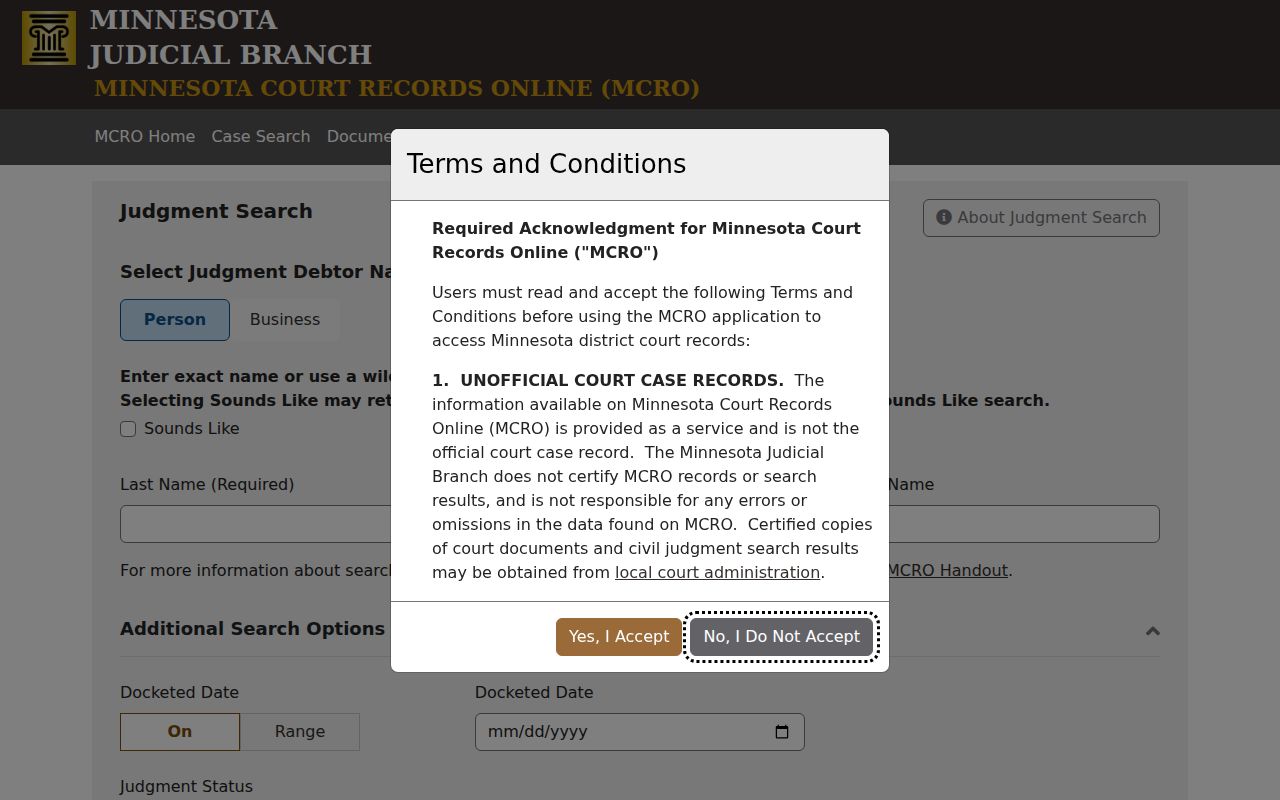
The judgment interface makes the point plainly. A money-judgment index is one record channel, best used beside the full Pine civil Register rather than in place of it.
Civil Docket Access Rules
Minnesota court records answer to the Judicial Branch Rules of Public Access. They do not answer to the county-government Chapter 13 process. Minnesota Statutes section 13.90 sends judicial-record access questions to those court rules. Rule 8 generally allows inspection or copying of accessible original records where they are normally kept. Remote access is narrower. Rule 7 lets you ask orally or in writing. The request just has to reasonably identify the data, and no purpose statement is ever demanded.
Key Rules:
Minn. Stat. § 13.90 excludes the judiciary from the general Data Practices framework and points court records to the applicable court rules.
Rule 7 describes a request to the court-record custodian and the process for an explained delay or denial.
Rule 8 addresses inspection, copying, remote access, exhibits, and the distinction between a public terminal and remote viewing.
A public civil event can reference a sealed or confidential order without offering a download. Party-submitted family documents can be absent remotely. So can trial or hearing exhibits. That can happen even when the case itself is public. The courthouse terminal closes some of that gap by exposing public material that never reaches the web. If a record you need is confidential or sealed, ask Court Administration which access procedure applies. Do not infer content from a missing document.
Minnesota’s Rules of Public Access index is the official text behind this Pine County civil docket court-rules material.
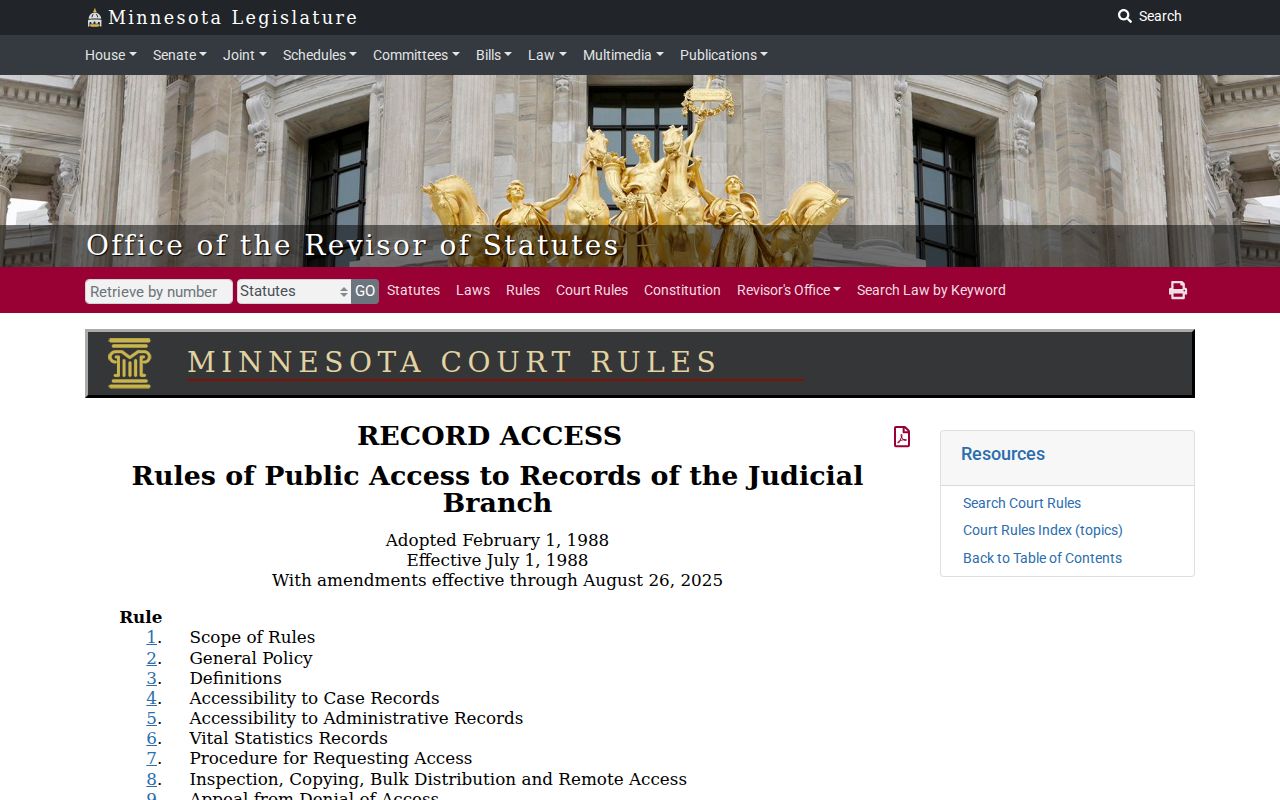
The rules answer a common puzzle. What you can reach remotely in a Pine civil case may be smaller than what you can inspect at the courthouse.
Pine County Civil Docket Records and Boundaries
Pine County Court Administration keeps the local District Court file. The official Pine records instructions lay out the full access chain. MCRO Case Search covers the Register. Document Search covers public documents. Hearing Search and the daily calendar cover settings. The courthouse terminal opens a fuller public view of the same court records. The counter or phone at Pine County District Court and mail serve an identified record. A mail request should carry the case title or number. Add the specific document, a return address, a phone, and payment when required. Local instructions say to allow five days.
Plain copies are generally free. The official copy materials list $14 for a certified copy or exemplified copy. A certified and exemplified copy runs $28. Court Administration can calculate the charges before you mail anything. Older files and restricted remote documents complicate things. The same goes for a Register entry whose image will not load. The terminal or counter is often the best fallback.
Minnesota district court fees are the official source for the copy costs behind this Pine County civil docket material.
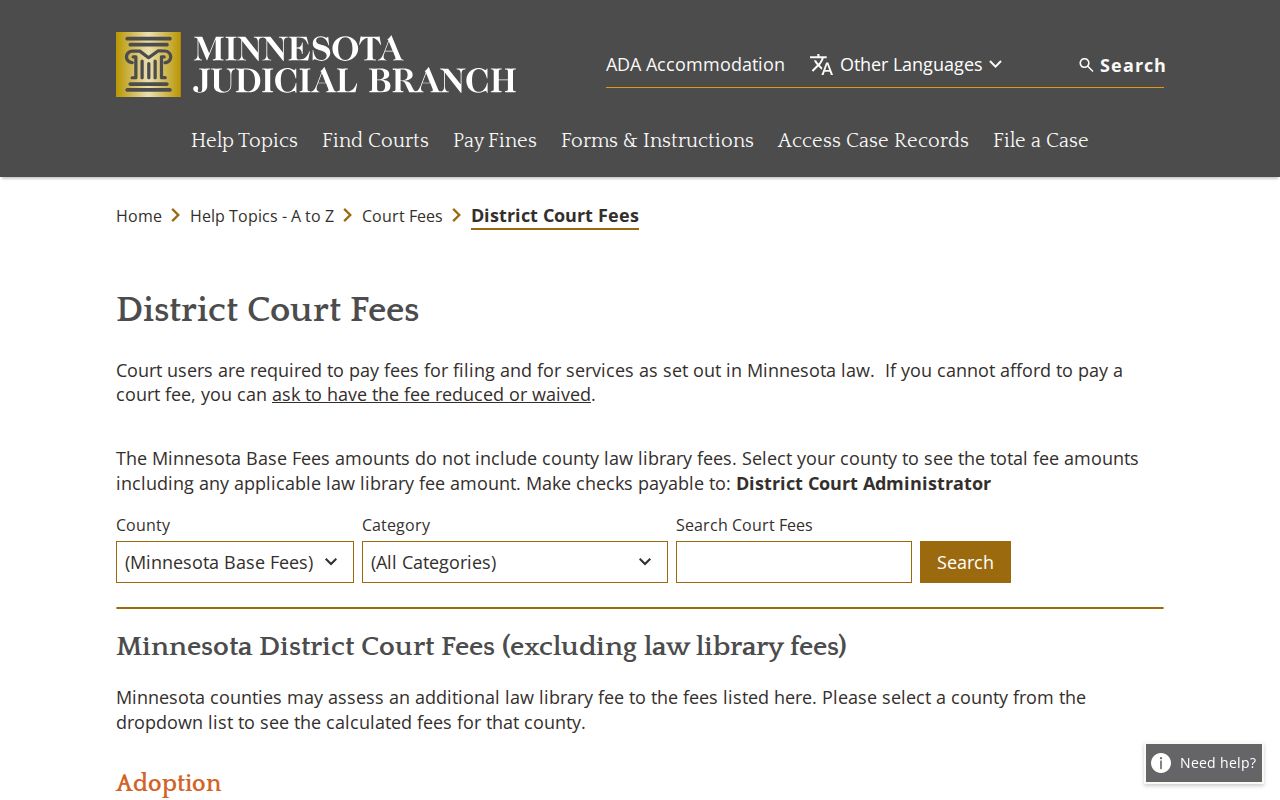
Fees work in two tiers here. Looking at a file and getting a plain copy are one thing. Certification costs extra, and only Court Administration can provide it.
Not every civil fight lands in state District Court. Some belong to federal court. Those cases live in the U.S. District Court for the District of Minnesota, not in MCRO. The Pine County Register does not hold them either. State appeals run through the Minnesota Court of Appeals, which handles Pine District Court matters only.
The U.S. District Court for the District of Minnesota contact page lists how to reach the federal court that keeps these civil records.
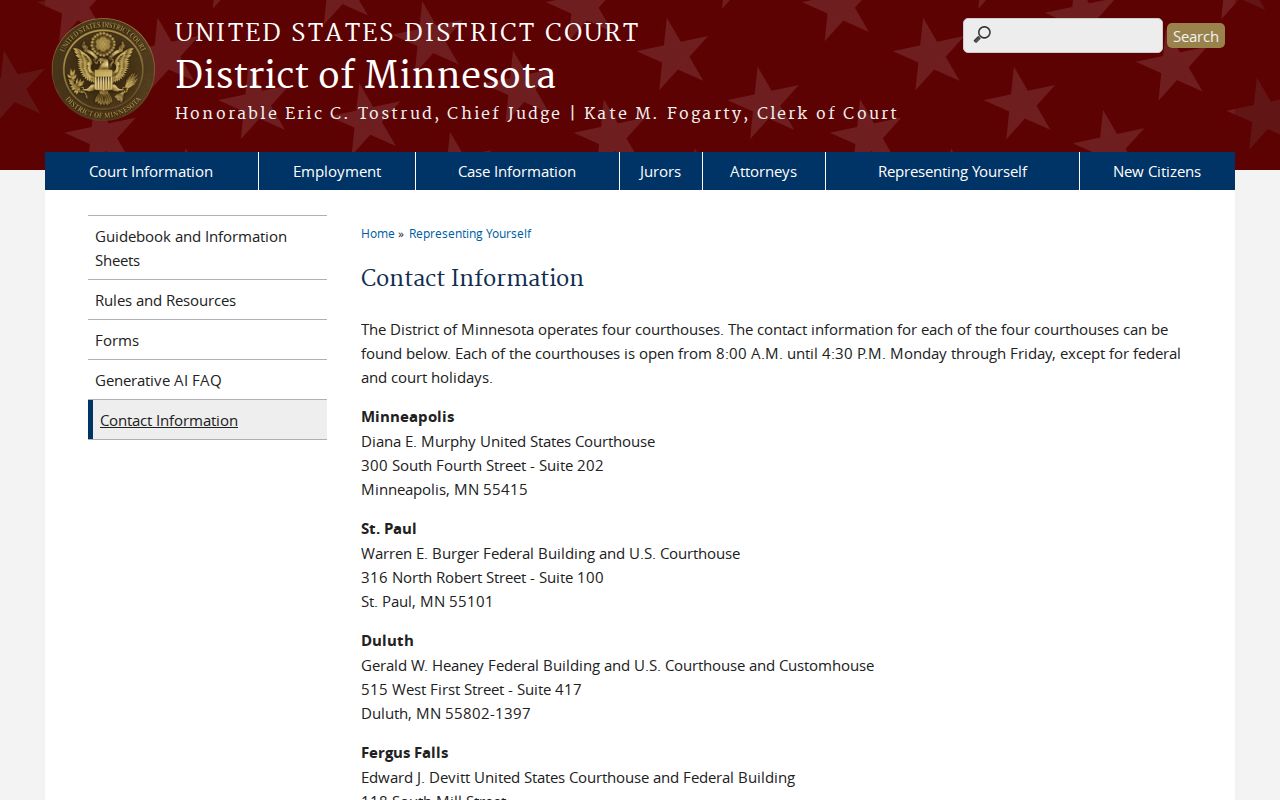
That federal contact channel draws a clean line. The Pine County civil docket path covers state District Court records, not every court case tied to the county.
Note: Give Court Administration an exact case number and a clear description of the document. That way staff can pull the Pine civil record you want without guessing.