
Pine County Court Calendars Explained
Each business day, the Pine County District Court puts out a public calendar. It is a searchable PDF. Think of it as a snapshot of listed hearings for that day. It is not an inventory of every case. It also does not replace the case Register of Actions. The Pine County court page points to the calendar. It names the District Court as the trial court handling civil, criminal, family, probate, juvenile, traffic, and conciliation matters filed in Pine County. Read a calendar row to learn when and where a public hearing is listed. Then pull the MCRO case details for the events behind that setting.
A calendar row can carry many details. These include a party name, hearing location, date, time, judicial officer, hearing type, connection type, and case number. Locations have varied. Past spots include Courtroom A, Courtroom B, Courtroom C, and Zoom. That works well once you know a matter is public. It proves nothing about cases that are absent, though. A matter left off the list was not necessarily cancelled, closed, or never filed. Confidential and remotely restricted matters may simply never appear.
Why do some settings run remotely and others in person? The Judicial Branch's hearing-framework announcement lays out the statewide policy. That policy shapes Pine County settings across the different appearance modes.
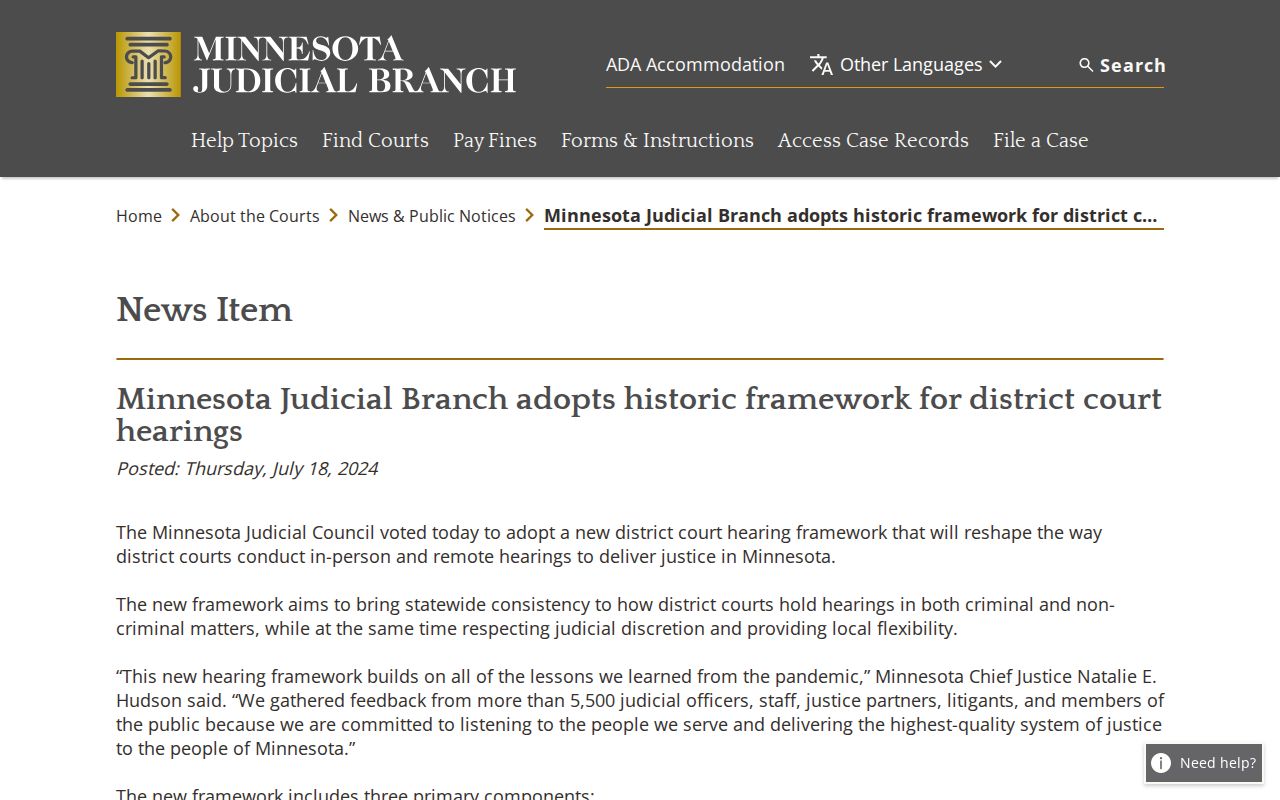
That framework explains the need for backup sources. The court notice and the current Register stay essential next to any Pine County calendar entry.
Pine County Calendar PDF Cadence
Pine County has no filterable local calendar database. The daily PDF is what exists, and it runs on a strict cadence. Posting happens at 7:00 a.m. each business day, with hourly updates after that. The text is searchable. So the browser or PDF reader Find control makes quick work of a case number, party name, or attorney. One caution applies. Note the printed date before trusting a result. A PDF opened later shows a different daily snapshot.
The cadence has a real limit. A hearing can change after the last refresh. Confidential or non-remotely accessible settings may be left out by design. The Judicial Branch rules and orders page is the state-level source for the access rules behind those omissions. Treat the PDF as one layer of confirmation for a Pine County court date. It is never the final word. A setting line can look complete. Still, a matter that public-access rules shield stays out of remote calendar view entirely.
The recent rules and orders resource shows the official setting. There the courts update access procedures and hearing practices.
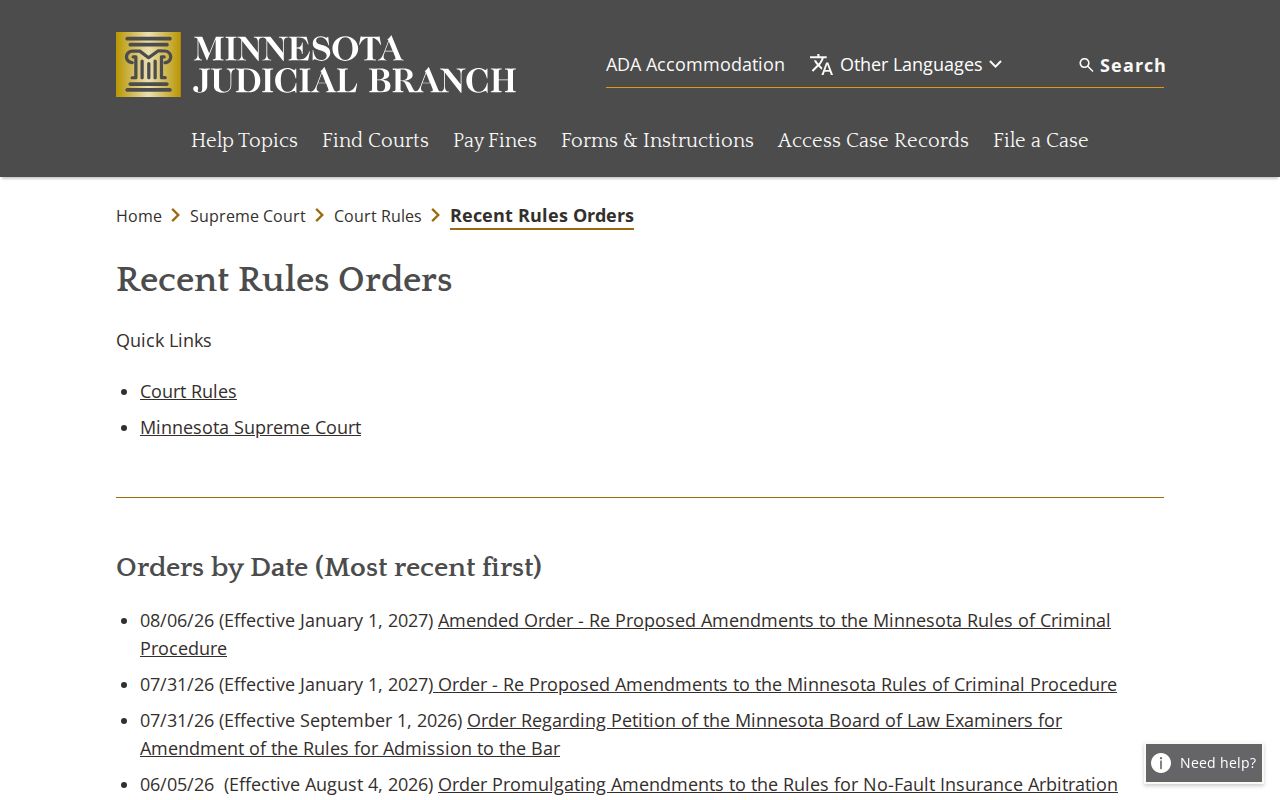
Those rules mark the line between a public calendar listing and the fuller court record. The complete file for a Pine County case lives beyond the PDF.
Finding Your Court Date
Start with the written notice. The latest event in MCRO Case Details works too. Next, compare it against MCRO Hearing Search, which offers Name, Case Number, Judicial Officer, and Attorney modes. A case number narrows things fastest. Name searching runs on exact or Sounds Like behavior, and the hearing-date field takes either one date or a range. For a local setting, choose Pine County under locations.
- Read the current hearing notice or the latest dated entry in the Register of Actions. Record the case number, the hearing label, and any direction about appearance.
- Search MCRO Hearing Search by case number, exact party name, judicial officer, or attorney. Narrow the location to Pine County and use a reasonable date range when needed.
- Open the Pine daily public calendar and use Find for the case number, party, or attorney. Note its printed date and the listed location or connection type.
- Compare any later Register event, notice, or order. If information conflicts, call Pine County Court Administration at (320) 591-1500; for a same-day in-building check, use the courthouse lobby or room screens.
Process questions have an official home. The Tenth Judicial District self-help location page lists a walk-in support channel for court-procedure help. Staff there cannot give legal advice or decide what a party should file.
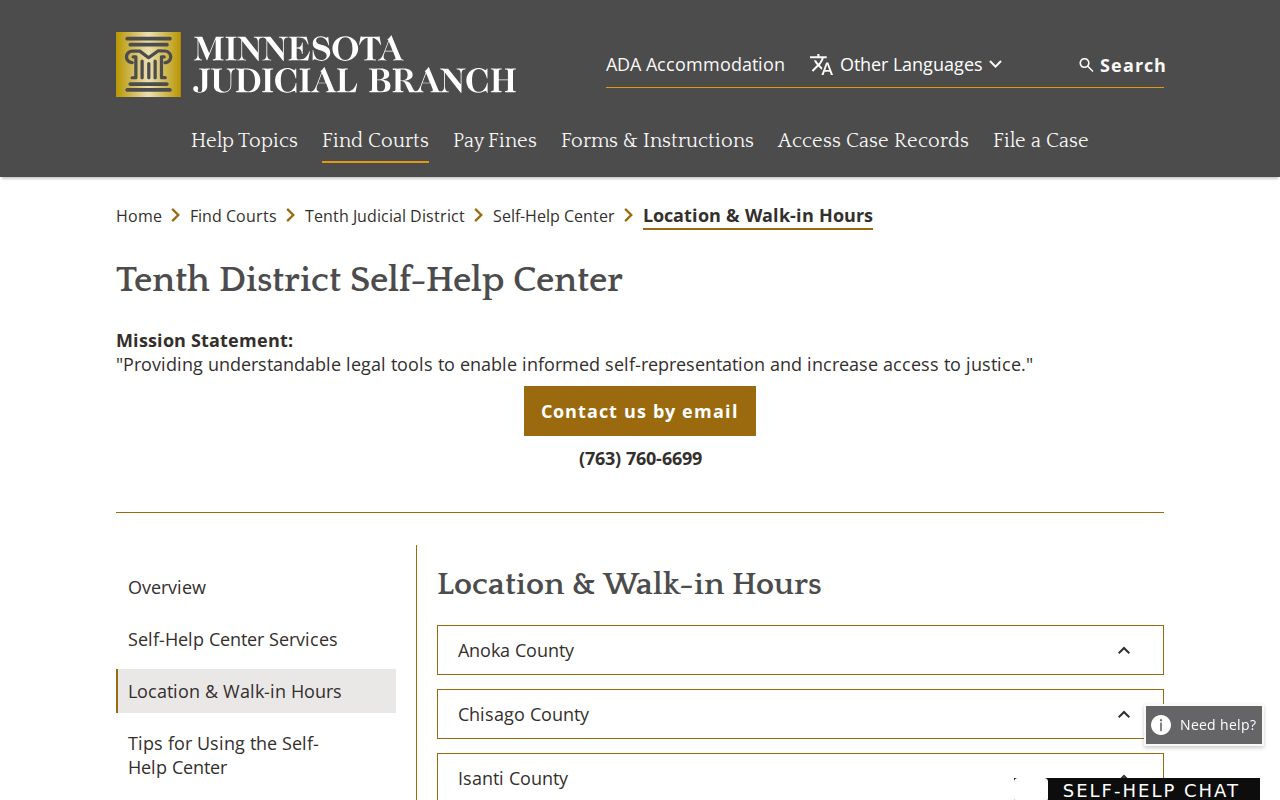
Lean on that route for court-process assistance. For the actual Pine County setting, confirm through the notice, the Register, and Court Administration.
Pine County Date Confirmation Chain
Every Pine County date channel answers a different question. The written notice states what the court directed. MCRO Hearing Search surfaces upcoming public settings through a structured statewide search. The Register of Actions gives the event history, where a later notice, continuance, order, plea, or hearing-held entry can show up. The daily PDF adds a day-of snapshot. When public sources clash or fall short, Court Administration can sort out the process.
Order matters when a case has moved. Begin with the notice or the newest Register event. Move to MCRO Hearing Search, then the Pine PDF, and call Court Administration only if doubt remains. On a court day, the lobby and room displays win as the most current in-building source. The Pine and Tenth District records page confirms that Court Administration handles identified records and copies, with no separate county clerk portal.
How to Read a Court Setting
A Pine County calendar setting is a scheduling line, nothing more. Read it beside the case number. Read it beside the current Register of Actions too. The location field might be a courtroom or a remote connection label. The hearing type tells you what event is coming, not how the case ends. Plea hearings, sentencings, arraignments, motion hearings, and conciliation hearings can all show up. They do so in the daily PDF. Whatever the notice says about how to appear is what controls.
| Hearing Date | The listed calendar date; compare it with later Register events and the written notice. |
|---|---|
| Time | The scheduled time shown on the daily PDF, not a guarantee that every case will begin at that exact minute. |
| Hearing Location | A listed Pine County courtroom or a remote location such as Zoom when the calendar shows one. |
| Judicial Officer | The officer listed for that calendar row; assignments can change and should be confirmed through current court information. |
| Hearing Type | The event label, such as arraignment, pre-trial, plea hearing, sentencing, motion hearing, review hearing, or default hearing. |
| Connection Type | The participant role or connection information shown in the PDF; the court notice gives the controlling instructions. |
| Case Number | The identifier that ties the calendar row to the Pine County Register of Actions. |
Pull the case number first. Use it to compare the setting against MCRO Hearing Search and the later Register entries. The calendar line marks one public scheduled event; the case history is what supplies the context for any change.
Pine County Calendar Labels
The Pine County public calendar sticks to plain labels instead of a local codebook. An arraignment or Initial Appearance Rule 8 line signals an early criminal proceeding. Pre-trial and omnibus hearing labels point to stages that come before trial. Sample Pine calendar rows have also carried plea hearings, sentencings, probation violation hearings, contested revocation hearings, motion hearings, review hearings, court trials, conciliation hearings, harassment hearings, and default hearings. Treat the label as the event's present purpose. It is not the outcome.
- Arraignment
- An early criminal court event addressing the charge, rights, plea, or conditions.
- Omnibus Hearing
- A criminal pretrial hearing that addresses specified issues before trial.
- Continuance or Reset
- A postponed or replacement setting; later entries usually identify the current date.
- Default Hearing
- A hearing that may concern a missed response or appearance; the case Register and order give the needed context.
Read the full entry instead of treating a shorthand label as a disposition. A case can keep going long after its hearing label drops off the daily Pine County calendar.
Continuances, Resets, and Cancellations
Pine County posts no fixed local reset deadline. There is no judge-specific pass procedure. There is no public reset-code list. A setting can change even after the calendar PDF goes up, so trust the later notice instead. A newer Case Event in the Register of Actions, or a current MCRO Hearing Search result, is the better lead. Before comparing entries in order, write down the old and new date, time, location or connection type, judicial officer, hearing label, and case number.
Don't assume a missing PDF row means the hearing was cancelled. A setting can be confidential. It can be closed to remote access, moved, or absent from that day's posting for another reason. The MCRO overview notes that remote access is limited for some case categories and documents. Court Administration can walk you through the public confirmation process for a specific Pine County case. It cannot give legal advice.
Note: A continuance or reset changes a Pine County court setting. It does not by itself resolve the charge, claim, or other issue in the case.
Pine County Remote Court Settings
A Zoom label on a Pine County calendar is not enough. It is not a full set of joining instructions. Minnesota's statewide hearing framework took effect on February 3, 2025. The notice tells each participant whether the setting is in person, remote, or arranged some other way. The official remote-hearings guidance says the court sends participants their joining information. Links should not be shared. Unauthorized recording is not permitted. Need a different appearance method? Follow the notice and make the request for the judge to decide.
The Pine court page also links eCheck-In. It covers certain criminal, juvenile delinquency, and CHIPS pilot matters. That does not make every Pine County setting remote. The location, connection type, notice, and any later Register entry have to be read together. A generic calendar location gives a public observer no permission to join or record a hearing.
For public judicial information, the official Judicial Branch officer profile is a reliable source. It covers the court system.
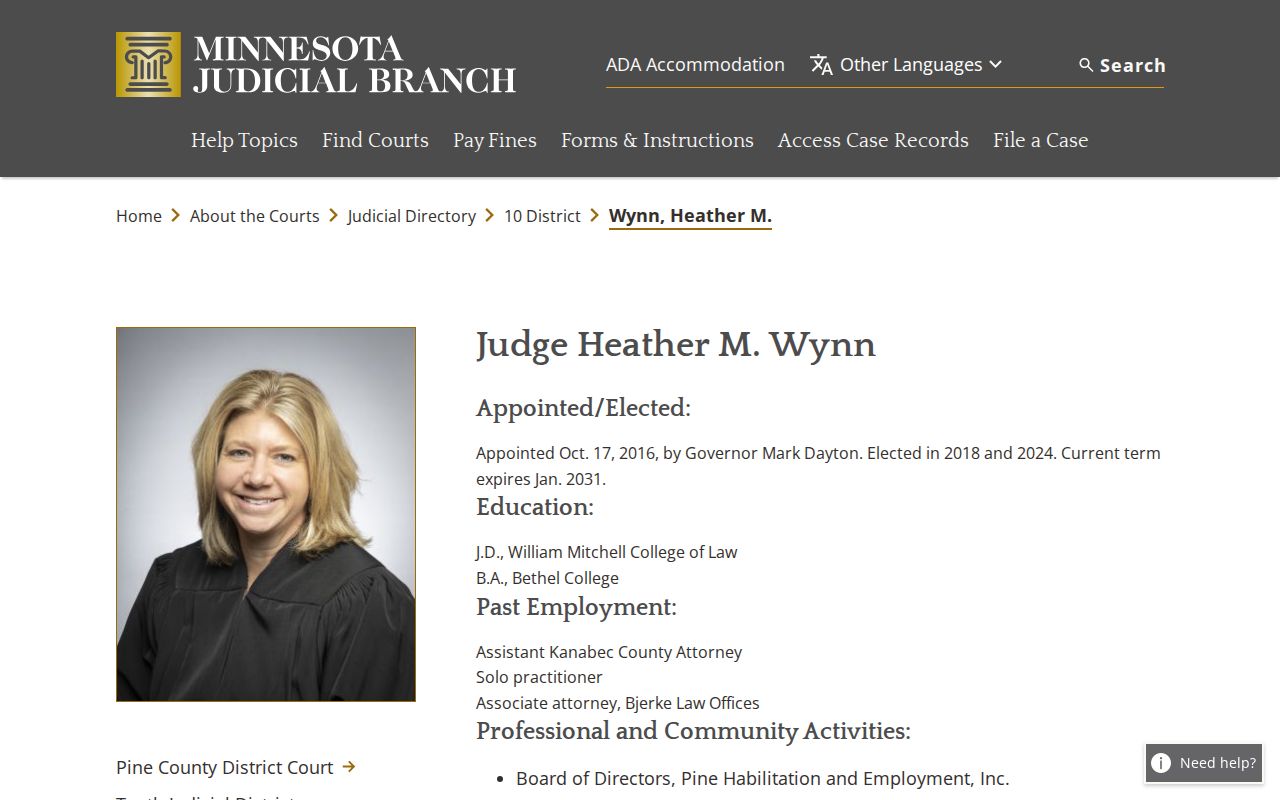
Officer profiles can tell you who serves in the court system. For any particular setting, the live Pine County calendar and the notice still decide the details.
If You Miss a Court Setting
Missed a Pine County setting? Act promptly. Read the notice and the current Register of Actions. Then search MCRO Hearing Search for a later listed date. If an attorney represents you, call that attorney. Next, call Pine County Court Administration with the case number. Ask about the public process for confirming the next setting. Never rely on a name being absent from the PDF. The court file may hold a new notice, an order, or a record that is not visible remotely.
The court can confirm its public process and share whatever setting information it may provide. It cannot decide what a party should file, and it cannot give legal advice. Keep the written notice and case number together. Use them whenever you ask about a Pine County hearing.
Missed a Setting? A missed Pine County court date can lead to consequences in a case, so confirm the current status through the Register, notice, or Court Administration immediately.
Bring or have the case number and notice available when contacting the court, because those details help staff identify the correct public record.
Speak with a licensed attorney about obligations and options in a missed Pine County court setting before taking action in the case.
Pine County Same-Day Calendar Checks
On a Pine County hearing day, the courthouse lobby and room screens are the most current sources. The official court page identifies them. That matters. The daily PDF, an earlier MCRO result, and the latest notice may not line up. Arrive with time to clear court security, and bring the case number and the notice. Courthouse rules may limit recording and device use in court areas. Follow the court's current instructions.
The Tenth Judicial District officer page is another official source of judicial information tied to the Pine court system.
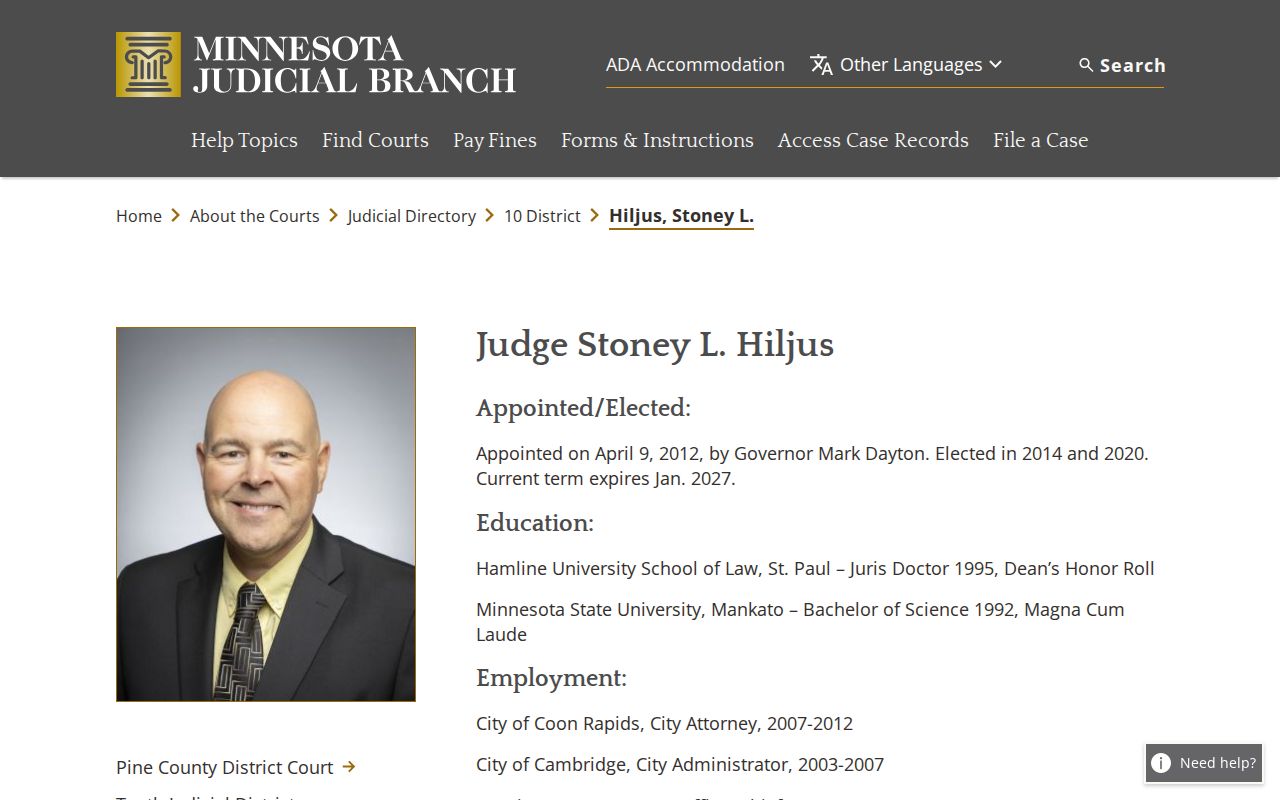
Public court-system details and case-specific Pine County calendar details are two different things. On the day of the hearing, check the live Pine County calendar for the setting that matters.