
Pine County Case Search Route
Pine County cases run through Minnesota's unified District Court system. The public search route is therefore Minnesota Court Records Online, or MCRO, not a county-built docket site. MCRO layers four tools over the Judicial Branch case-management system: Case Search, Document Search, Hearing Search, and Judgment Search. Case Search opens the case detail view. MCRO calls that view the Register of Actions. For certified copies and the District Court file itself, Pine County Court Administration is the local office to contact.
Searching costs nothing. No registration is required. Permitted documents come with no stated current charge. Keep in mind that MCRO is an unofficial public view. So match the name, county, file number, parties, and dates before trusting a result. The Judicial Branch overview lays out the statewide organization. It connects Pine County District Court records to the public MCRO search layer.
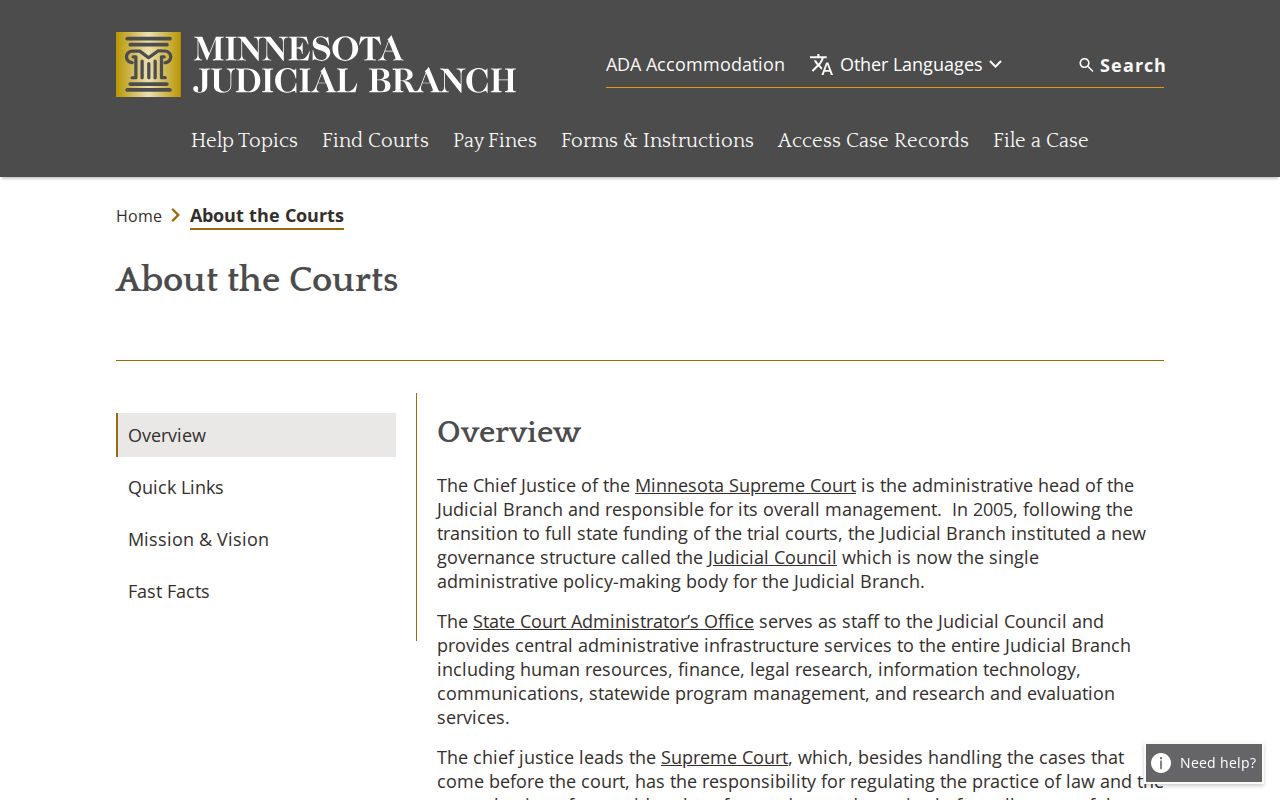
That statewide structure is why a Pine County case lookup can work two ways. Narrow it to the county, or broaden it beyond Pine County through the same public portal.
How to Search Cases by Name
Open MCRO Case Search, accept the terms, and pick Name mode. The person or business path supports exact-name matching. It also offers Sounds Like matching and a trailing wildcard after at least two characters. You can add date-of-birth and filing-date ranges, case category, status, and court location. One catch: a wildcard and Sounds Like cannot be combined. A name is a fair starting point. But a precise case number or citation beats it when a common name pulls up several Pine County cases.
- Select Name after accepting the MCRO terms, then enter the known last name and first name. Use the business-name path when the party is an organization.
- Choose exact-name or Sounds Like behavior. If spelling is uncertain, a trailing * after at least two characters can broaden a name search.
- Choose Pine under specific county locations, then add a useful case category, status, or filing-date range. Select statewide only when a wider search is needed.
- Open a result through View Case Details and compare its Pine County case number, party roles, dates, and Register entries before relying on it.
The MCRO form offers these search fields. Skip the optional boxes you do not need, and remember that a filter set too tight can hide a public Pine County case that would otherwise appear.
| Field Label | Type | Required | Notes |
|---|---|---|---|
| Search mode | Buttons or tabs | Yes | Name, Case Number, Citation Number, or Attorney. |
| Select Name Type | Selector | Unspecified | Person or business name path; exact name or Sounds Like behavior. |
| Last, First, Middle Name | Text | Unspecified | Trailing wildcard after two characters; Sounds Like cannot combine with wildcard. |
| Date of Birth | Exact or range date | No | Uses MM/DD/YYYY and can be exact or a range. |
| Date Filed | Exact or range date | No | Uses MM/DD/YYYY and can be exact or a range. |
| Case Category | Checkboxes | No | Civil, Criminal, Family, or Probate or Mental Health. |
| Case Status | Dropdown | No | Active, All, or Inactive. |
| Court Locations | Radio or select | Unspecified | Statewide Court Locations or Select Specific County Court Locations. |
| County search | Text and action | No | Search, clear, and execute a county selection, including Pine. |
| Find or Clear | Buttons | Not applicable | Run or reset the search. |
| Terms | Buttons | Yes to proceed | Yes, I Accept or No, I Do Not Accept. |
Pine County Case Search Filters
Choosing Pine County does not switch you to a different database. It simply narrows the statewide MCRO Case Search form. The form then targets the Pine County District Court location. The live county chooser lets you pick statewide or one county. You can also jump alphabetically, type a county name, clear that search, or run the selection. Apply the Pine filter when the citation, notice, or known court location is local. Drop it if the case might have been filed elsewhere in Minnesota.
Category and status filters deserve care. Civil, Criminal, Family, and Probate or Mental Health are search categories, not case outcomes. Active, All, and Inactive describe the portal filter, not any legal result. A filing date cut too narrow can also return nothing. A broad first pass, then refinement, usually beats guessing in a Pine County case search. Several filters guessed at once rarely helps.
Note: A case category is a Pine County search classification. It says nothing about who won. It says nothing about who lost, or whether anyone was convicted or received a final order.
How to Search by Case Number
A known Pine County case number is the fastest MCRO Case Search route. Choose Case Number mode. Copy the identifier exactly as printed on the notice, order, payment material, or calendar. Pine uses county code 58. Then come a case-type code, the filing year, and a sequence number. Public calendars show formats like 58-CR-YY-…, 58-CV-YY-…, 58-FA-YY-…, 58-CO-YY-…, 58-JV-YY-…, and 58-VB-YY-….
The Judicial Branch case-number and citation guide breaks down the statewide components. CR usually marks a mandatory-appearance criminal case; VB usually marks a non-mandatory payable citation. A citation number is a 12-digit preprinted number. The court case number is generated after submission. Keep leading zeroes and punctuation intact. A number typed straight from the notice beats any reconstructed format.
Pine County Case Search Number Clues
The prefix does real work in telling records apart. The first two digits flag Pine County. The letters name the case type. The next two digits give the filing year, and the sequence distinguishes the file. But a case number is only an identifier, never a summary of outcome. So 58-CV-YY-… marks a Pine civil pattern. Meanwhile 58-CO-YY-… marks a conciliation pattern inside the unified District Court system.
Switch to Citation Number mode when you hold the paper citation. Do that when a traffic or petty matter will not surface by name. Use Attorney mode when a bar number and attorney name are known. The official MCRO guidance warns that pending criminal, traffic, and petty cases may not appear in a defendant-name search until conviction. That limit is a cue to try another mode. It is not proof that Pine County has no case.
What a Case Search Shows
Clicking a result in MCRO opens Case Details, the public Register of Actions view. Think of it as an event history. Case Events appear in reverse chronological order. Even when no document image can be opened remotely, a row may still show an index number. It may also show an event description. On the criminal side, the register can list charges, warrants, interim conditions, bond or bail activity, and dispositions. The civil view leans toward parties, motions, orders, judgment, and financial information where public.
| Overview | A general case summary within the public Case Details view. |
|---|---|
| Case Information | Case number, filing or origination date, category or type, court location, status, and caption or style. |
| Party Information | Public party roles, such as plaintiff, petitioner, defendant, respondent, State, or attorney. |
| Warrants and Charges | Criminal sections that may be available; a warrant indicator must be tied to the actual case number. |
| Interim Conditions and Bond/Bail | Criminal case concepts shown when public and applicable. |
| Case Assignment | Assignment information present in the public case structure where available. |
| Case Events | Reverse-chronological event name, description, document index number, and a view-document control when permitted. |
| Hearings | Public date, time, hearing type, officer, location or connection, and status where available. |
| Dispositions and Judgment Details | Public outcome, date, and monetary judgment information where applicable. |
| Financial Information | Public costs, fines, restitution, balance, or related financial entries subject to record type and access. |
For the outcome, read the dated disposition or order. A category, charge, future hearing, warrant flag, or one event row is not a final conclusion.
Pine County Case Search Results
The Register of Actions is an event log. It records what happened in the Pine County court file at each step. Seeing an event does not mean seeing its attachment. Remote document access depends on the case, the document access matrix, security settings, event type, and public-access rules. An event description with no view-document button is common. Orders, exhibits, family filings, and other record categories often stay unavailable through remote MCRO.
The official MCRO search-results handout explains what public case and document results mean. It spells out those gaps. For a specific Pine County case, compare the event date, description, index number, hearing history, and any recorded disposition. An old event does not mean the case ended. A missing online document does not either.
County vs Statewide Case Search
MCRO is a statewide portal. It offers a Pine County location filter. No separate Pine-built case database goes deeper than MCRO online. The difference is scope. Choosing Pine County points the same Case Search interface at local docket entries, while a statewide search helps when the county is unclear, an attorney works across counties, or a filing landed outside Pine. Either way, the public result stays an unofficial MCRO view.
| MCRO Statewide Search | MCRO with Pine County Selected |
|---|---|
| Searches public records across Minnesota court locations. | Limits the same public search to Pine County District Court location results. |
| Useful when the filing county is unknown or a broader search is warranted. | Useful when a notice, citation, or known case identifies Pine County. |
| Can include a county filter later to reduce similar-name results. | Can be broadened statewide after an empty local result. |
| Provides Case Search, with related Document, Hearing, and Judgment tools. | Provides the same tools, but Pine calendar and Court Administration give local date and copy channels. |
Pine County Case Search Handoffs
MCRO splits public lookups across four tools. Case Search leads to Case Details, the Register of Actions. Document Search needs a case number and is the path to permitted documents. Hearing Search finds public settings by name, case number, judicial officer, or attorney. Judgment Search indexes monetary judgments, with debtor-name searches and Active, All, or Inactive status filters. Each tool answers a different question.
That split matters in practice. It keeps an empty document result from looking like an empty case. After opening the Pine County case Register, confirm a setting through Hearing Search. Or check the daily PDF. A case number helps most there. It is the only input Document Search accepts. When remote access falls short, request a precise copy from Court Administration.
Restricted Cases and Access Rules
Online absence is not case absence in Pine County. Court records follow the Minnesota Rules of Public Access, not county Chapter 13 procedures. Rule 8 generally permits inspection of accessible original records where they are kept. Remote access runs narrower. Rule 4 lists nonpublic case categories and records. Rule 11 guards restricted identifiers and confidential filing information. A Register event can therefore be visible while its document image stays restricted.
Remote MCRO limits or omits categories that include CHIPS, D-16 and other juvenile matters, civil commitment material, search warrants, trial and hearing exhibits, some domestic-abuse or harassment records before service, party-submitted family documents, sealed and confidential filings, and protected identifiers. Pending criminal, traffic, and petty matters may also stay unsearchable by defendant name until conviction. Expungement is its own legal status in Minnesota. It is not an ordinary dismissal.
The official MCRO accessible-case and document handout details the remote access matrix. Rule 4 identifies the nonpublic records. For a specific restricted record, ask Court Administration about the proper access procedure. Do not try to reconstruct protected information yourself.
Pine County Case Search Access
MCRO sometimes says “Name Not Available Online” or flags a result as restricted remotely. When that happens, turn to the courthouse public terminal. The same goes for a public document that will not load. Pine County Court Administration is the other option. The hallway terminal is free. It can show a more complete statewide public-record view. The same access rules and local procedures still apply. Court Administration helps with an identified local file, paper copies, and certified copies. The official request materials say to identify the particular document you need.
For any request, give the case number and parties if known. Add a precise document description and contact information. Rule 7 allows an oral or written request. It must reasonably identify the record. It does not require a stated purpose. A delay or denial should state the reason and legal authority. The Rule 7 request rule and the Pine/Tenth District records page describe those channels.
The Tenth Judicial District self-help services page lists process support services. Those are separate from public case-search access.
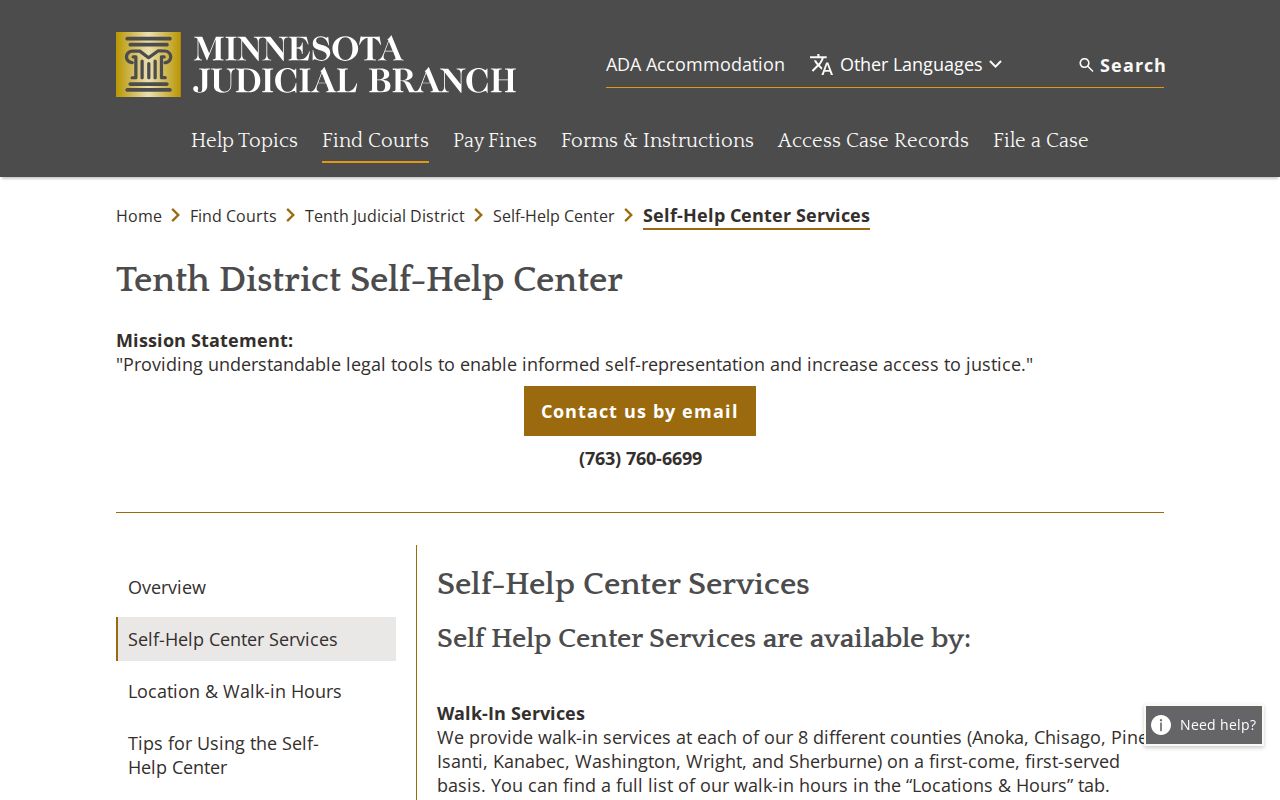
Those services explain court process. For the Pine County record itself, the Register, the terminal, and Court Administration remain the routes.
Pine County Case Search Error Checks
A blank result is not always a dead end. Try the exact case number or citation number first. Loosen a date filter that is too narrow. Remove or change the category, test a permitted trailing wildcard, and run the search statewide after the Pine filter. When a common name returns a crowd of matches, sort them out with parties, dates, court location, and the complete case number.
One flag deserves special caution. An Active Warrant label next to a party is not a stand-alone conclusion. It may belong to a different case entirely. Open the associated Register and check the case number before assuming anything about the Pine County court docket entry.
For a long Register or daily calendar, a desktop browser or PDF reader beats a phone screen. MCRO is responsive, but long records read more easily at full size. The public system supports Chrome, Firefox, Safari, and Edge. Internet Explorer is not supported. There is no public bulk export. No pagination cap or maintenance schedule is published, so a Pine County case search should not count on either feature. An empty Pine County name search can also reflect filters, spelling, pending-case limits, or remote restrictions rather than a final answer about the court file.
Pine County Case Search and eFS
Minnesota eFile and eServe, known as eFS, is a filing workspace. It is not a public case-search tool. Authorized filers use it to submit documents into the Judicial Branch system. Public search and permitted documents live in MCRO instead. So skip the e-filing account when you need a Register, hearing, or public document. Use MCRO or the courthouse terminal.
The Minnesota eFile entry page separates filing from public access. Still, a filing does not always reach the public. Several bars can block remote access. Security settings, filing codes, and Rule 11 protections can each keep a document filed through eFS from being remotely available. That is one more reason. A Pine County Case Search result may show an event, yet give no public access to the filed material.
For wider context, the Judicial Branch publications and reports page provides official statewide court reporting.
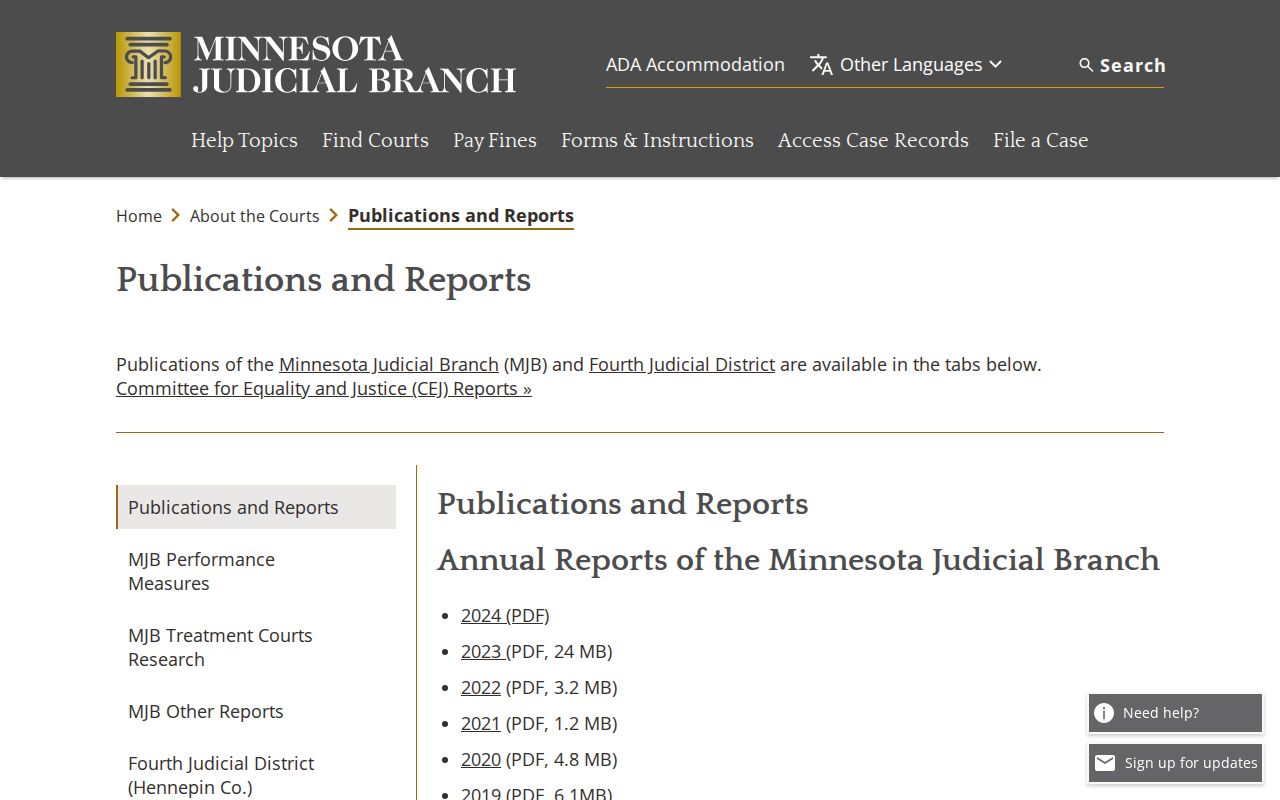
Think of it as a supplement, not a substitute. It complements a local Pine County case lookup without replacing the live MCRO case record or the certified copy process from court administration.
Pine County Case Search Public Access
MCRO gives Pine County readers a free public starting point, but it certifies nothing. A certified copy comes from Pine County Court Administration. Even so, a Pine County public record can carry remote-access limits. The court still keeps the underlying file. For a current hearing date, start with the Register. Pair it with Hearing Search and the Pine daily calendar. To reach an underlying document, start from the case number and Document Search. Then use the local counter as needed. A mail request, a phone call, or a public terminal works too.
The MCRO public access landing page is the official entry point for the statewide tools.
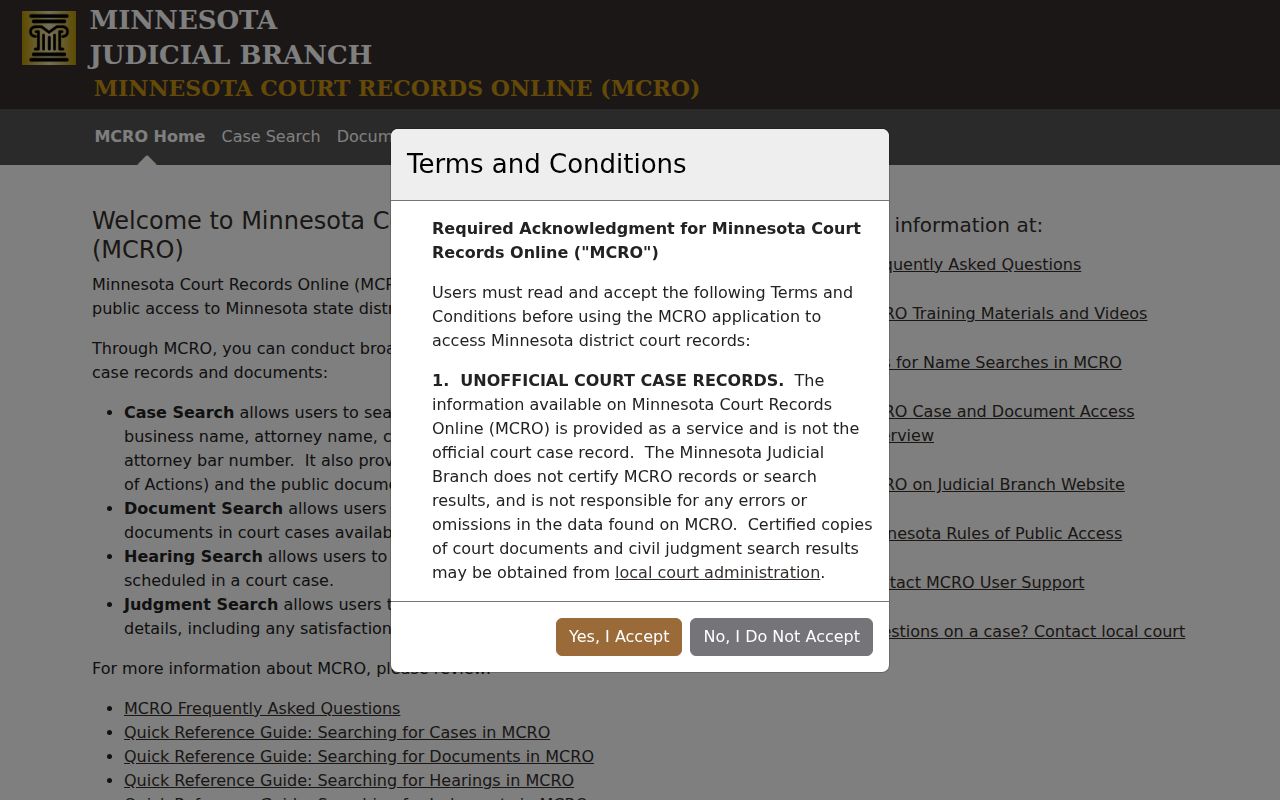
Start there for any Pine County case lookup. The public landing page opens the search online, and local verification finishes the job when the record needs to be official or complete.